Get Custom View Image
Retrieves an image for a custom view (a saved or personalized state of a published sheet, including the user's filters). For a published view without a custom view, use Get View Image with the view id.
APIs called
- Get Custom View Image
- Get Custom View (to resolve the underlying sheet for tool scoping)
- Get View (if applicable tool scoping is enabled)
Required arguments
customViewId
The LUID of the custom view. This appears in the Tableau URL for a saved view (e.g. the
<customViewId> in /views/WorkbookUrl/SheetUrl/<customViewId>/<customViewName>), not the
published view id returned by List Views for the sheet alone.
Optional arguments
width
The width of the rendered image in pixels that, along with the value of height determine its
resolution and aspect ratio.
Example: 1600
height
The height of the rendered image in pixels that, along with the value of width, determine its
resolution and aspect ratio.
Example: 1200
format
The format of the image. Default: PNG
PNG(default): Raster image format. Works with all Tableau Server versions.SVG: Vector graphics format. Scalable and smaller file size. Requires Tableau Server 2026.2.0+ (REST API v3.29+).
Choosing a format:
- Prefer
PNGwhen the image will be analyzed or interpreted (e.g. answering questions about the data in the viz). - Prefer
SVGwhen the image will be displayed to the user (e.g. embedding or rendering the viz in a response).
Example: SVG
viewFilters
Map of filter field names to values; sent as vf_<fieldname> query parameters per
filter query views.
Response behavior
The tool returns one of two result shapes:
MCP_S3_BUCKETunset (default): returns the rendered image inline, base64-encoded.- When
formatisPNG, the MCP result will contain the PNG image content (MCP result withtype=imageandmimeType=image/png). - When
formatisSVG, the MCP result will contain both the SVG XML (type=text) and the SVG image content (type=imageandmimeType=image/svg+xml)
- When
MCP_S3_BUCKETset: returns aresource_linkwith a short-lived presigned URL to the rendered image in S3 (withmimeTypematchingformat), instead of inlining the image data.
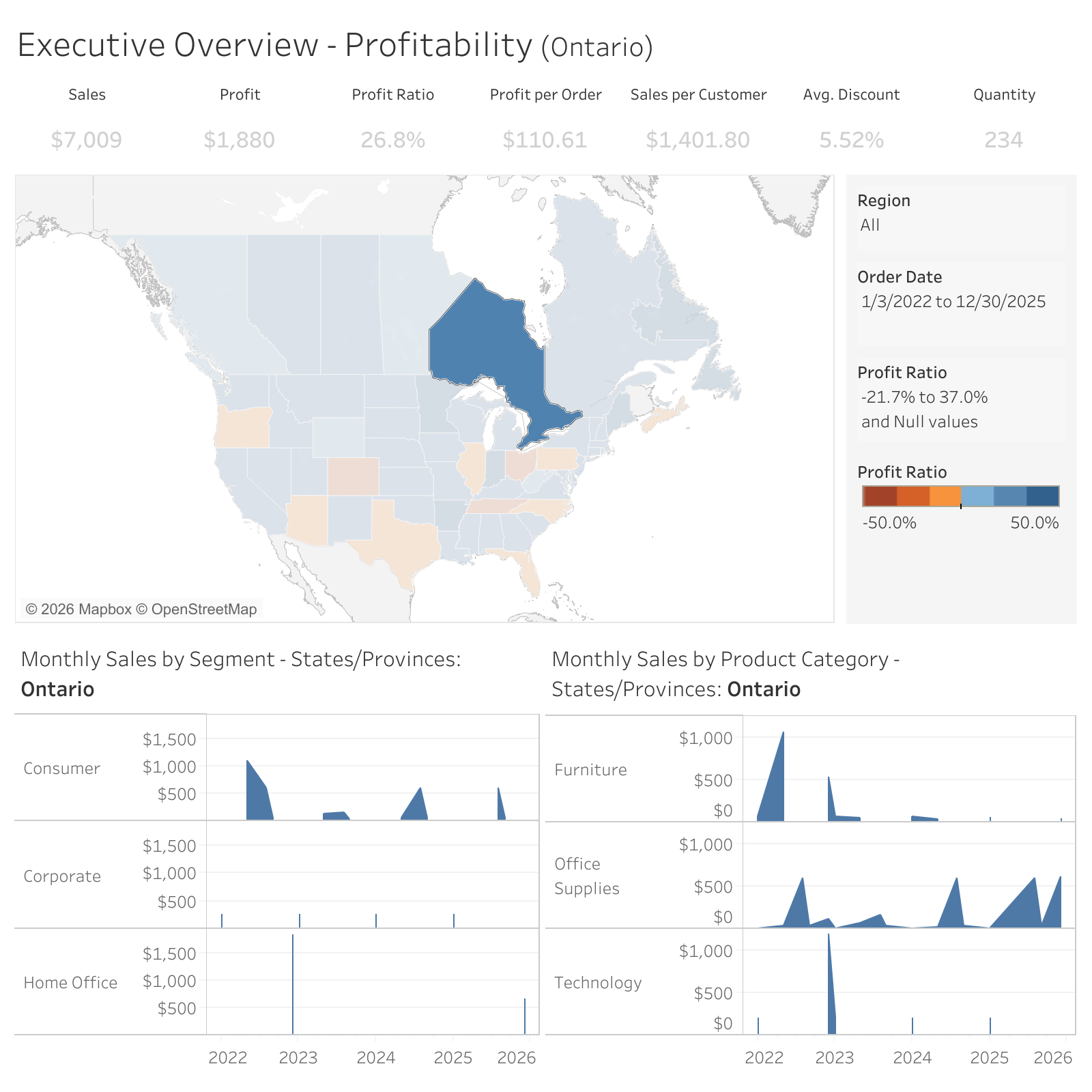
Example result (default)
Example result (S3 mode)
{
  "type": "resource_link",
  "uri": "https://example-bucket.s3.amazonaws.com/...presigned...",
  "name": "view-image.png",
  "mimeType": "image/png",
  "description": "Rendered view image stored in S3. This is a short-lived presigned URL."
}